
Configure protection for your family in 5 minutes
Always up to date, always with you.
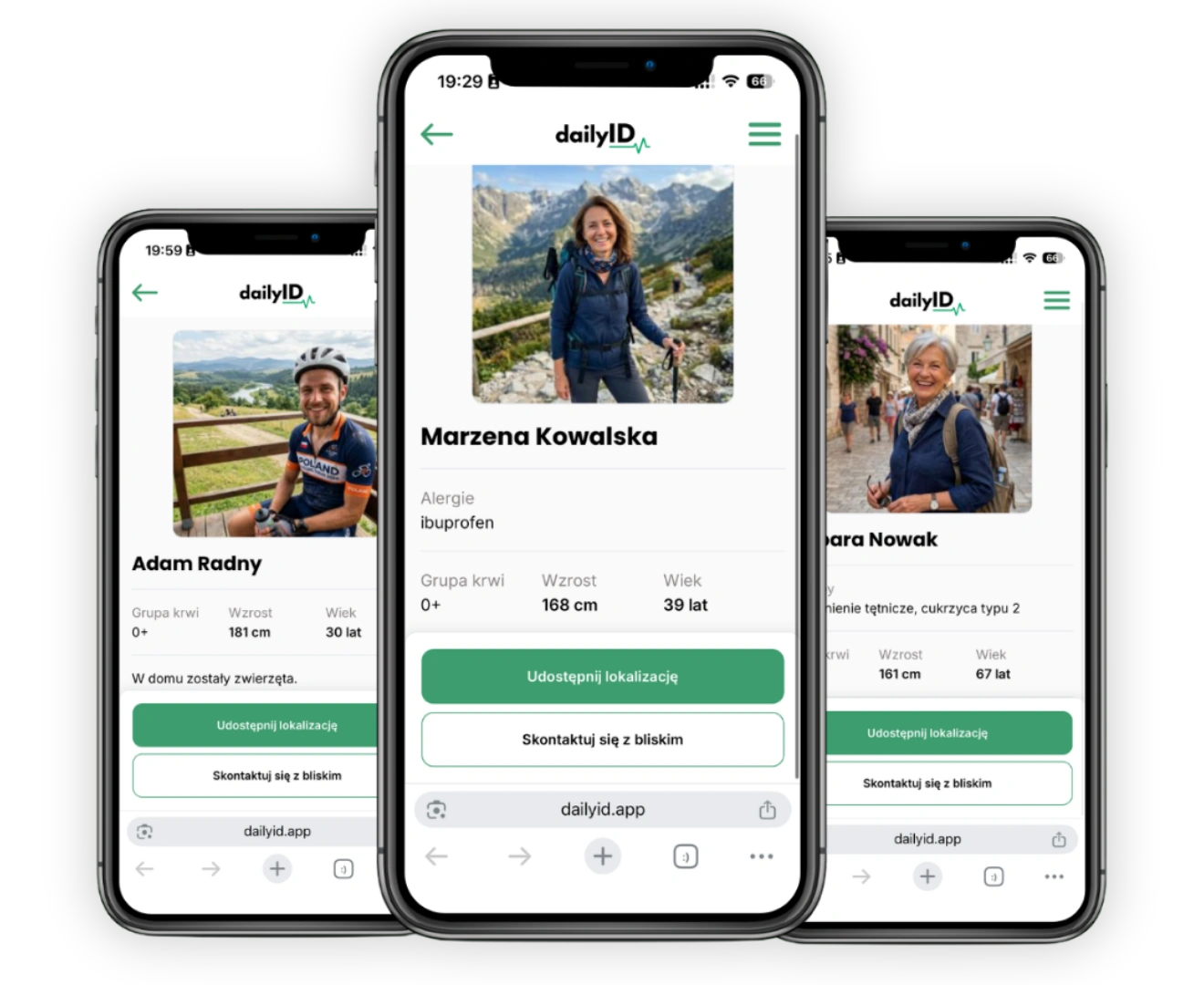
How to prepare a Medical Wristband for your family?
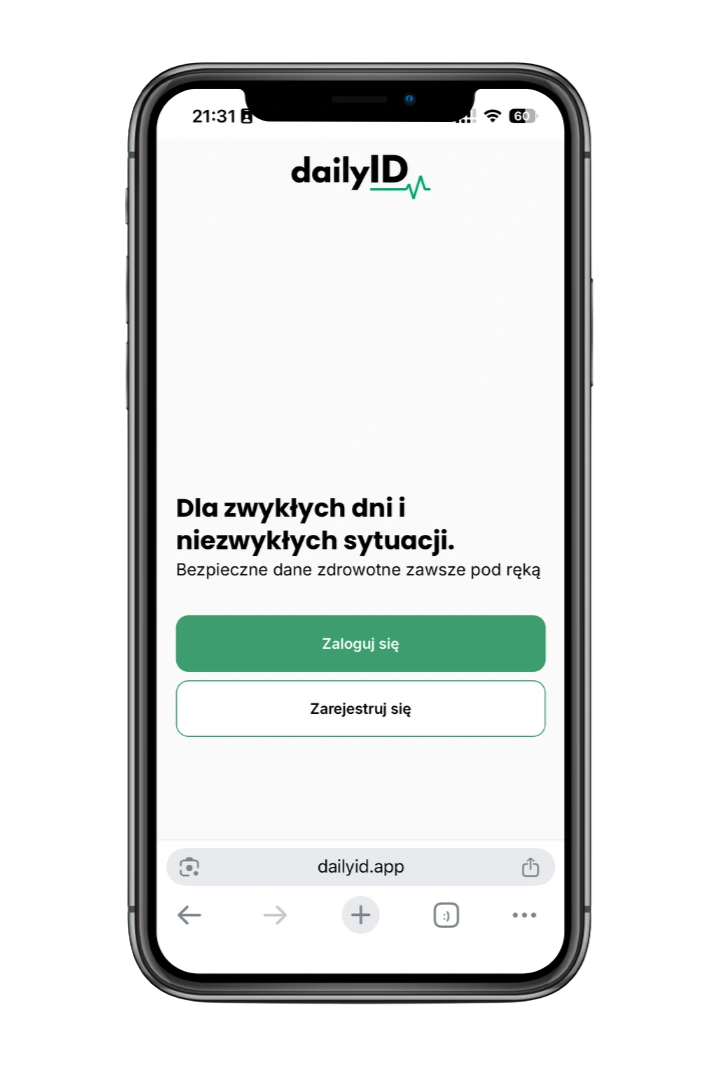
1. Create an account
Go to dailyID.app and create an account. If you already have an account, log in.
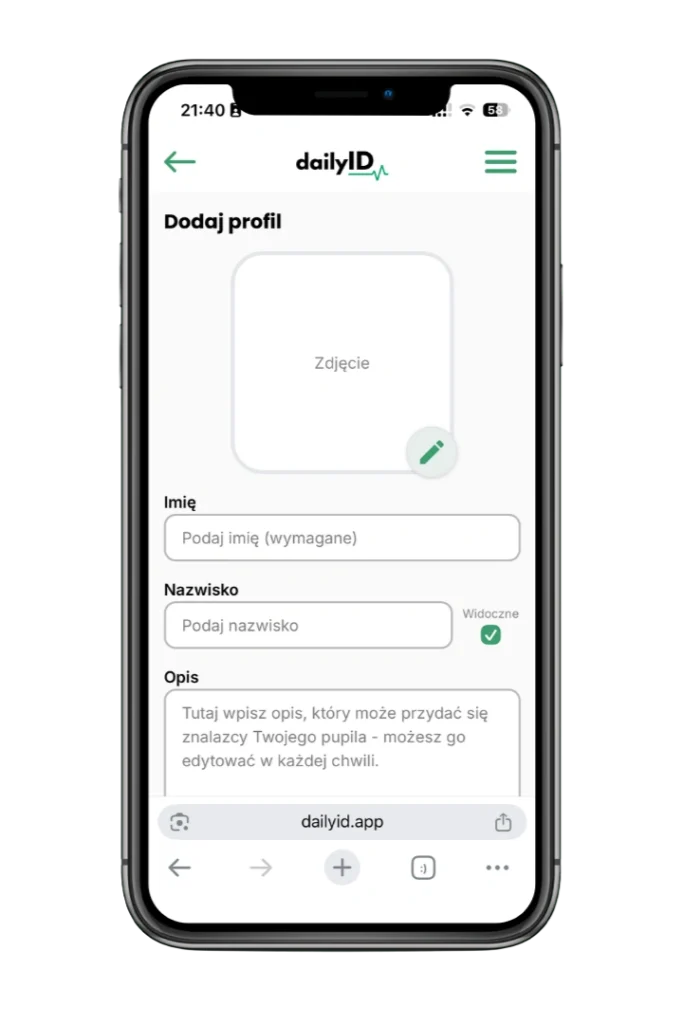
2. Create and complete your profile
Enter the most important medical information. It will take you less than 5 minutes.
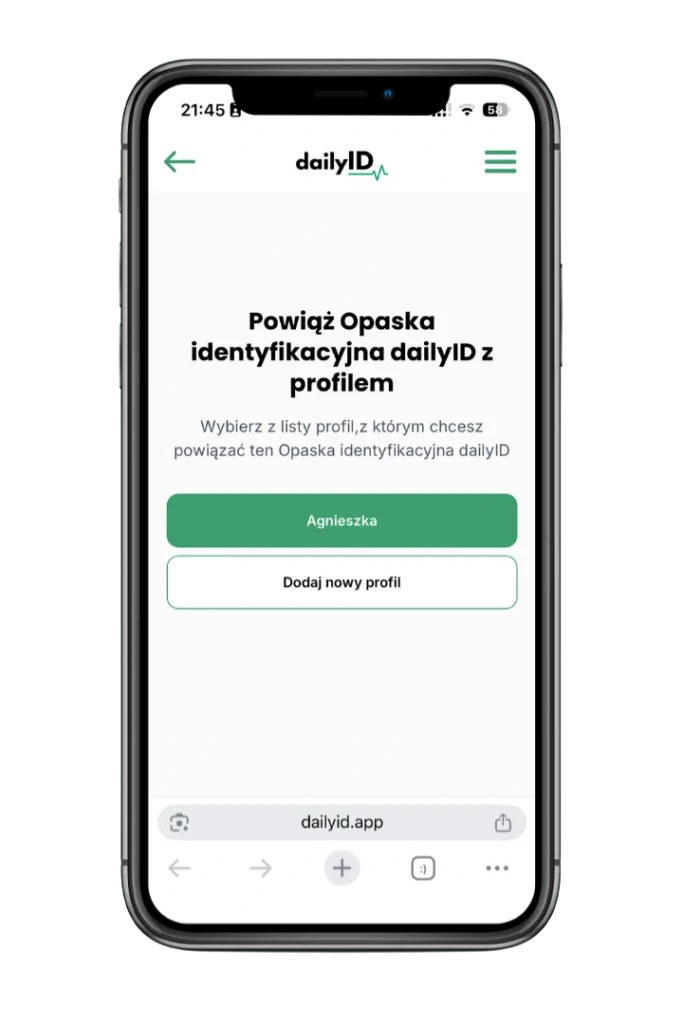
3. Activate product
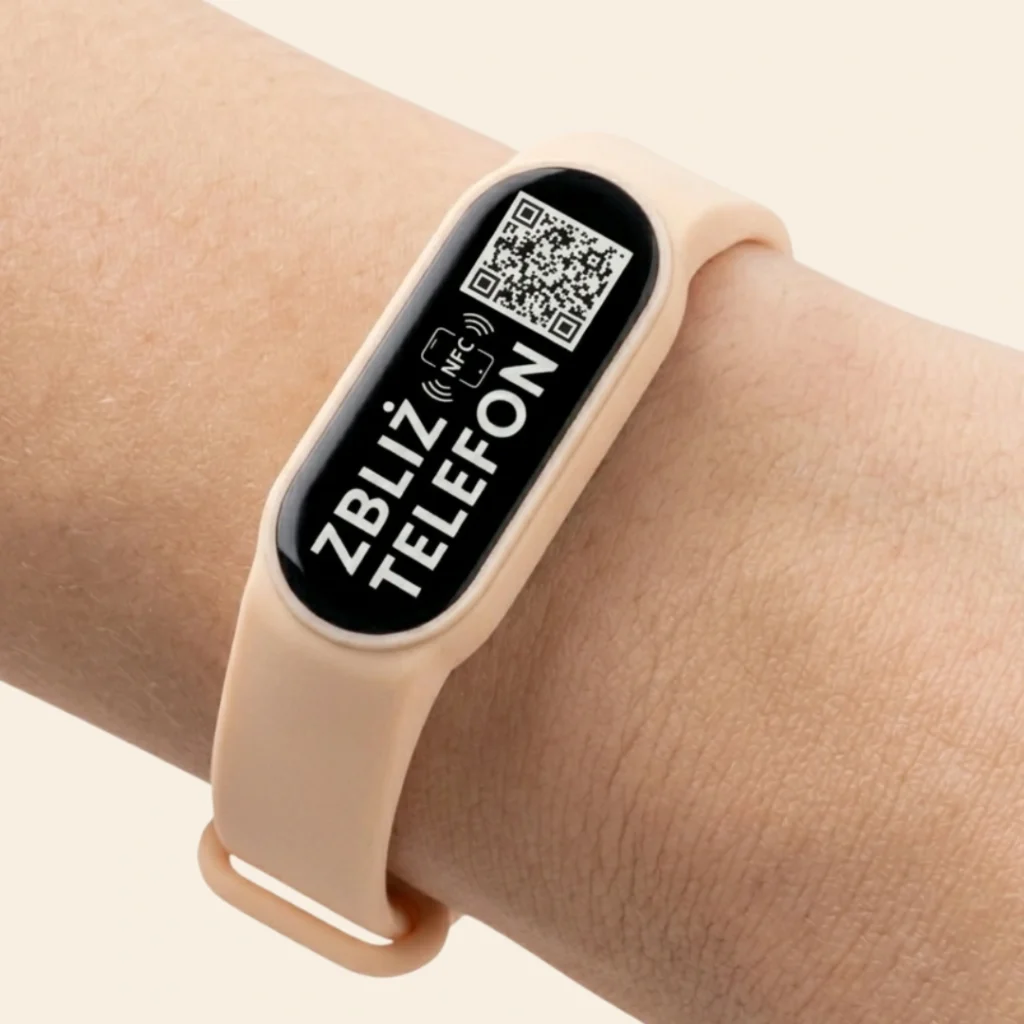
Bring your phone close to the wristband or scan the QR code to link the product to your profile.
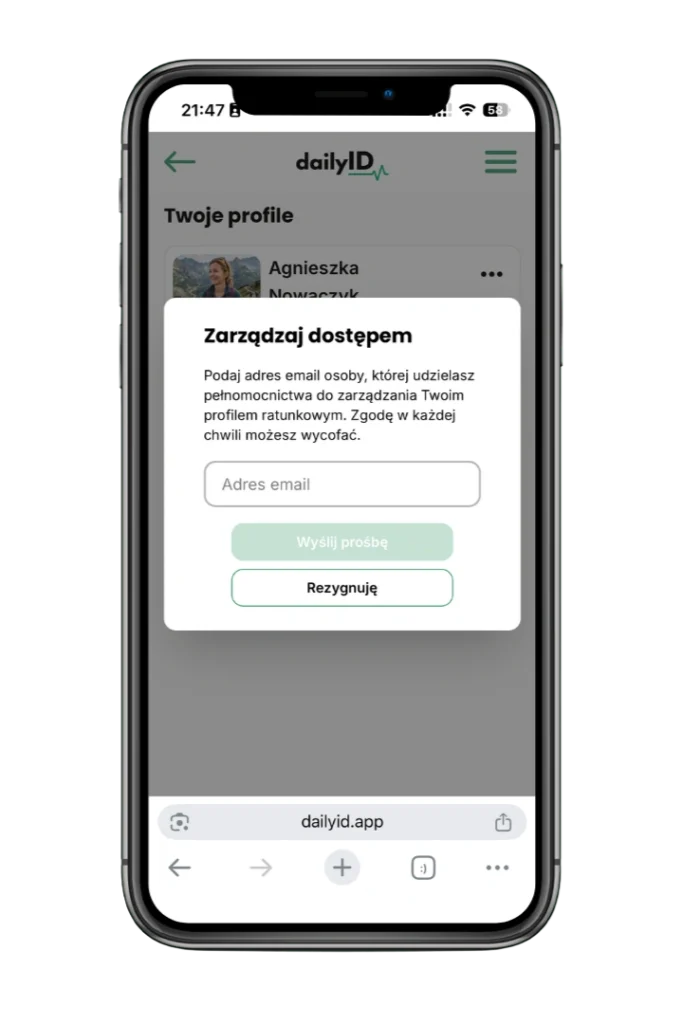
4. Add a trusted person
Add a loved one who will be able to update your profile if needed.
Who is it for ?
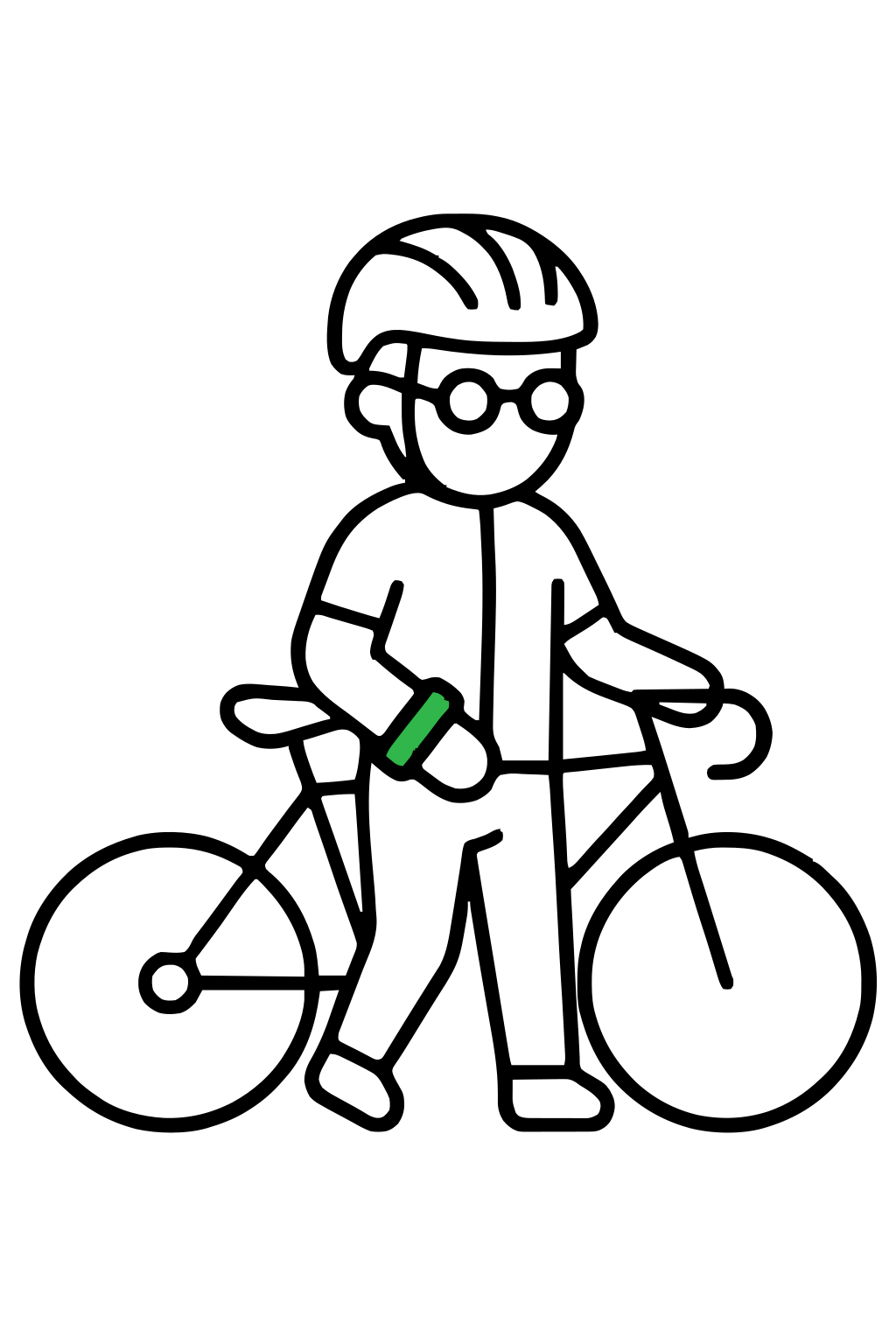
Active individuals
Solo training, mountain trails, motorcycle routes – accidents can happen to anyone. The wristband gives rescuers instant access to your data, even when you cannot speak.
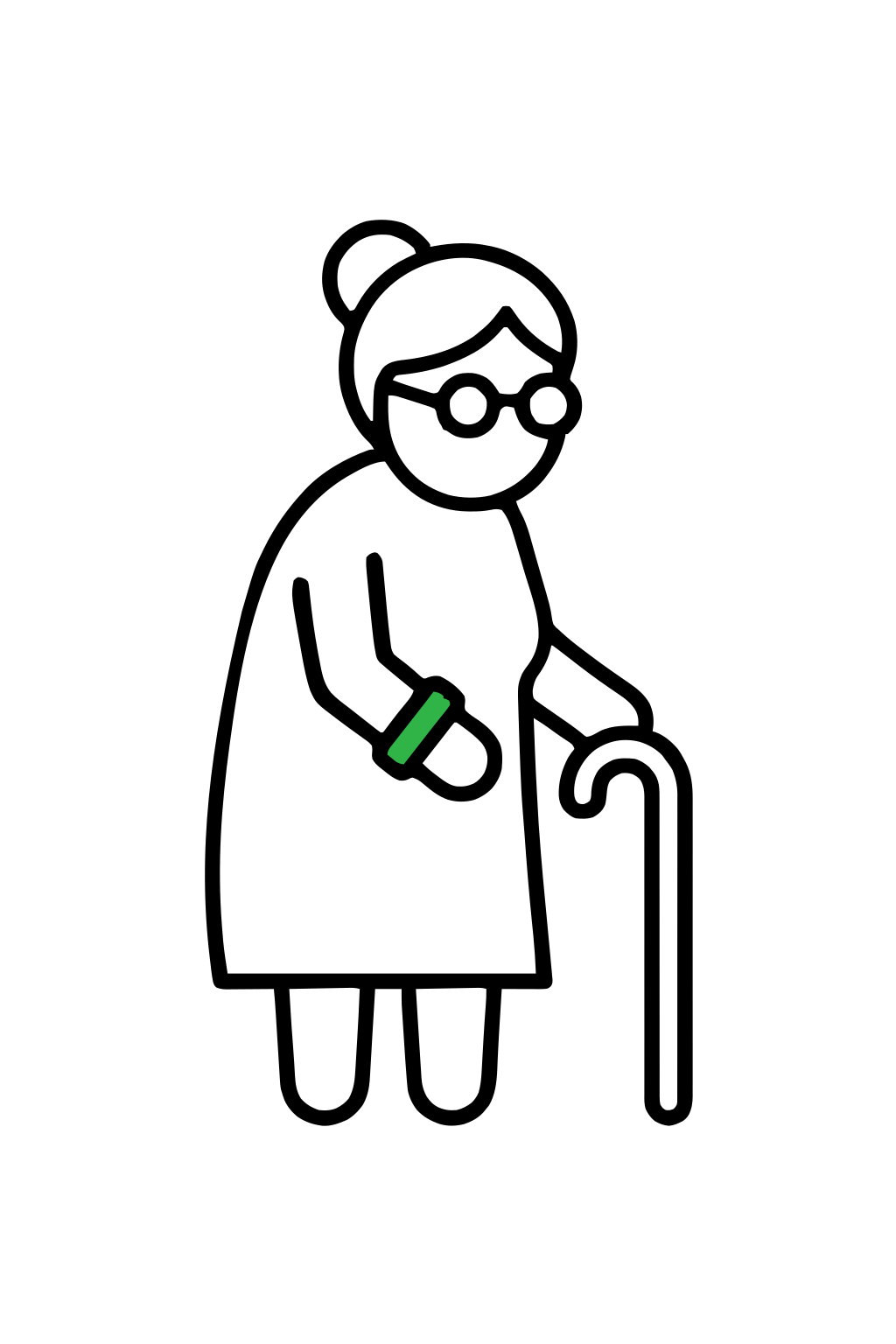
Seniors
In the event of a health crisis, anyone with a smartphone can scan the wristband to access vital information and emergency contact details for loved ones.
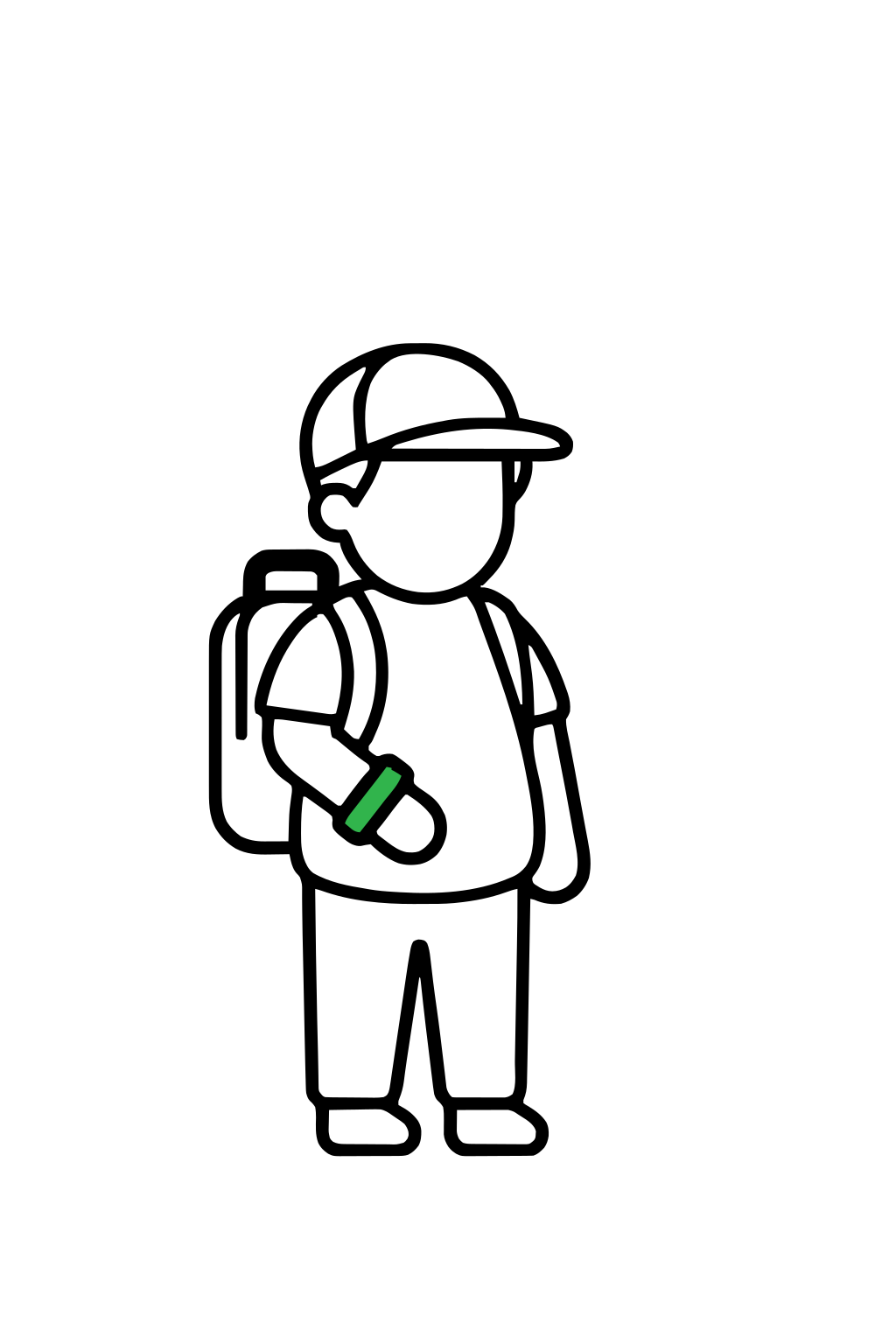
Children
Every year, many children get lost in crowds or during holidays. Scanning the wristband allows someone to contact a parent in seconds.
People with chronic conditions
Diabetes, epilepsy, allergies – in an emergency, every second counts. The wristband informs rescuers about your health status immediately.
How to activate the Rescue Wristband?
Make sure your NFC is turned on:
1. Open your phone’s Settings.
2. Go to the Connections (or Network & Internet) section.
3. Find the NFC option and turn the switch on.
Assigning the wristband:
1. Scan the QR code on the wristband or bring the wristband close to the back of your phone.
2. Click the notification that appears on the screen.
3. Log in to dailyID.app or create an account if you don’t have one yet.
4. Create your Rescue Profile and fill in your medical information.
Go back to the wristband – scan it again and confirm the link to your profile. You’re all set.
1. Otwórz aparat i zeskanuj kod QR z opaski lub zbliż opaskę do tylnej części telefonu.
2. Kliknij link lub powiadomienie, które pojawi się na ekranie.
3. Zaloguj się na dailyID.app lub załóż konto jeśli jeszcze go nie masz.
4. Utwórz swój Profil Ratunkowy i uzupełnij dane medyczne.
5. Wróć do opaski — zeskanuj ją ponownie i potwierdź powiązanie z profilem. Gotowe.
The worst feeling is being helpless.
You don’t have to change your life—just put on the wristband.
FAQ
Is an app required?
No.
To read the Emergency Profile, simply bring a phone close to the wristband (NFC) or scan the QR code. The information will display automatically in the phone’s web browser.
Does the wristband/keychain need to be charged?
No.
The dailyID™ wristband and keychain do not require batteries or charging. They function using NFC technology and a QR code.
Is there a fee for using the profile?
No.
After purchasing the wristband or keychain, using the Emergency Profile is free—there is no subscription or additional fees.
What information can be saved in the profile?
In the profile, you can save the most important information that can help in an emergency, such as:
-Contact to a loved one
-Chronic diseases
-Allergies
-Medications taken
-Additional important medical information
Apart from the contact to a loved one, name, and photo, every piece of information is optional.
Are the data secure?
Yes.
The data saved in the dailyID™ system is stored in a secure cloud and accessible only after scanning the wristband or keychain. Compliant with GDPR procedures.
Can I edit the data in the profile?
Yes.
At any time, you can log in to your account and change or update the information in your profile.
Can I add a trusted person?
Yes.
You can add a trusted person who will be able to update the information in your profile if needed.